QUEST IS AVAILABLE FOR NEW USERS ONLY
Record your favorite Minecraft moments with Medal to unlock rewards on Mineville.
This quest is only available on PC for a Limited Time
Luxury Bundle

Duck Pet

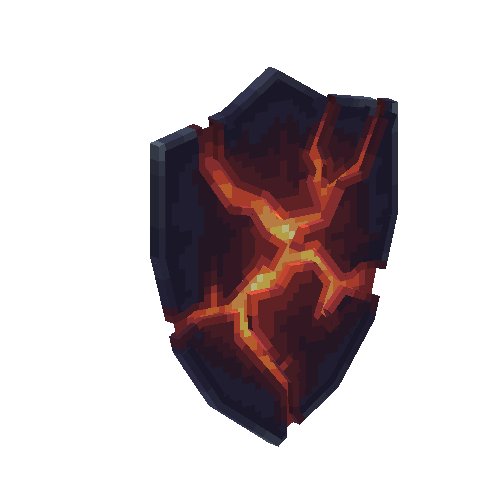
Lava Shield
This quest is only available on PC for a Limited Time
If you don’t already use Medal, it’s the best way to record and edit Minecraft videos. You must install it on PC for this offer, you will not see the quest on mobile.

Navigate to the top bar in the app and click on the Quests bar. Select the Mineville x Medal quest and click on "Start"
Once you have started the quest, launch Minecraft Bedrock Edition on a Windows PC, Login to Mineville, then get a sick kill and hit F8 to clip it. Once you've posted your clip to your profile, go to the Quests bar. Enter your Minecraft username that you want to claim the reward for then click submit.
After you have entered your username on the Medal quest, now go back to Mineville and type /medal