QUEST IS AVAILABLE FOR A LIMITED TIME
Clip Greenville with Medal to unlock exclusive rewards.
This quest is available on Mobile & PC
Reward
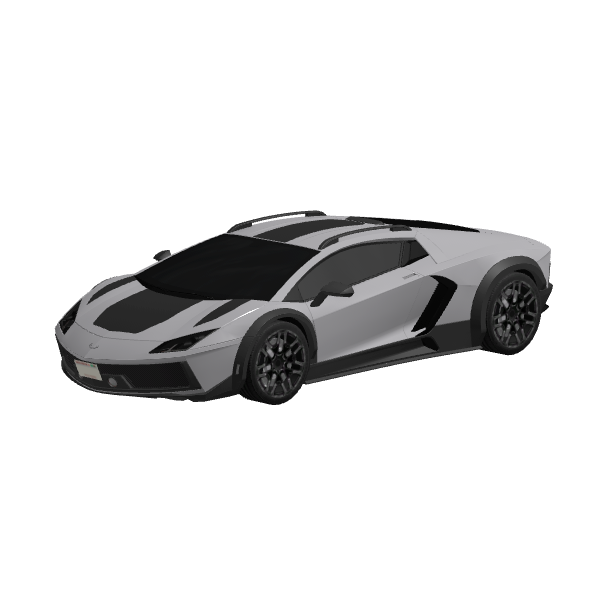
2015 Silhouette Carbon Sporca
This quest is available on Mobile & PC

If you don't already use Medal, it's the best way to record and edit Roblox videos. Download it on your PC for the best experience, or download it on iOS/Android.
Sign up for Medal by registering with your Roblox account and it will automatically be connected. To manually connect your Roblox account to Medal, go to your User Settings and find the Connected Accounts section, then navigate to the Roblox icon to proceed.

Play Greenville on Roblox and find all 5 of the vehicles hidden around the map to earn the badge.
Play Greenville
On Desktop - Press F8 to record yourself driving around in one of the new cars in Greenville! If you are on Mobile, you can screen-record your gameplay and upload it to your profile using the middle "+" button.
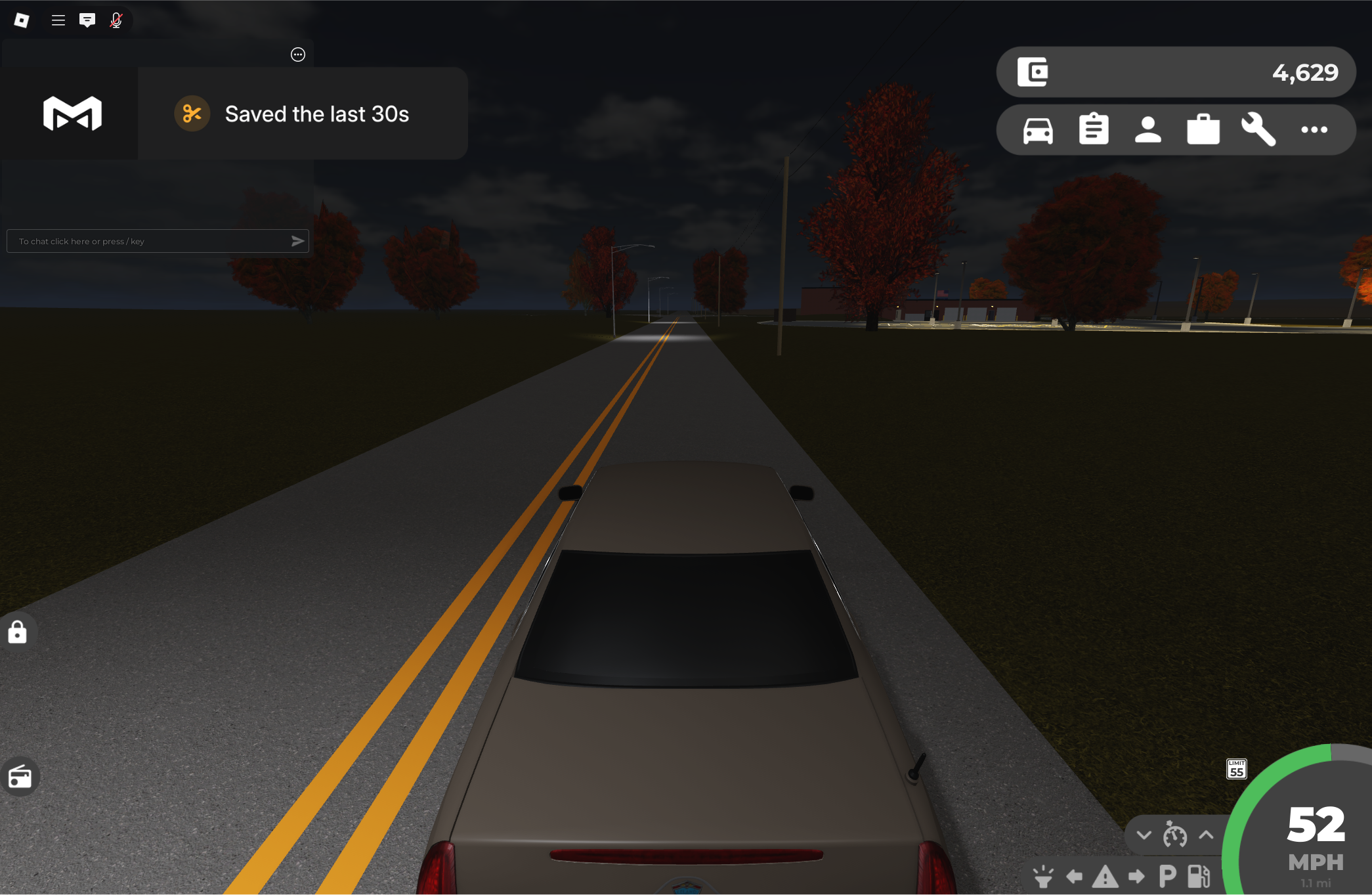
Once you've earned the badge and clipped your Greenville gameplay with Medal, you can claim your item!
If you have issues with the quest, join our Discord for help troubleshooting or check out our Quest FAQ
Download Medal